Passwords you'll actually remember.
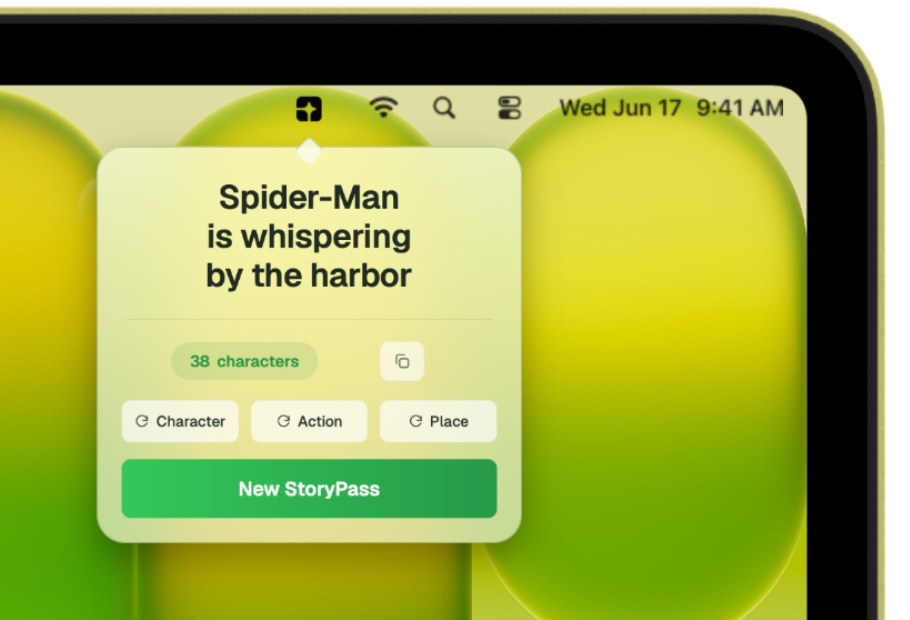
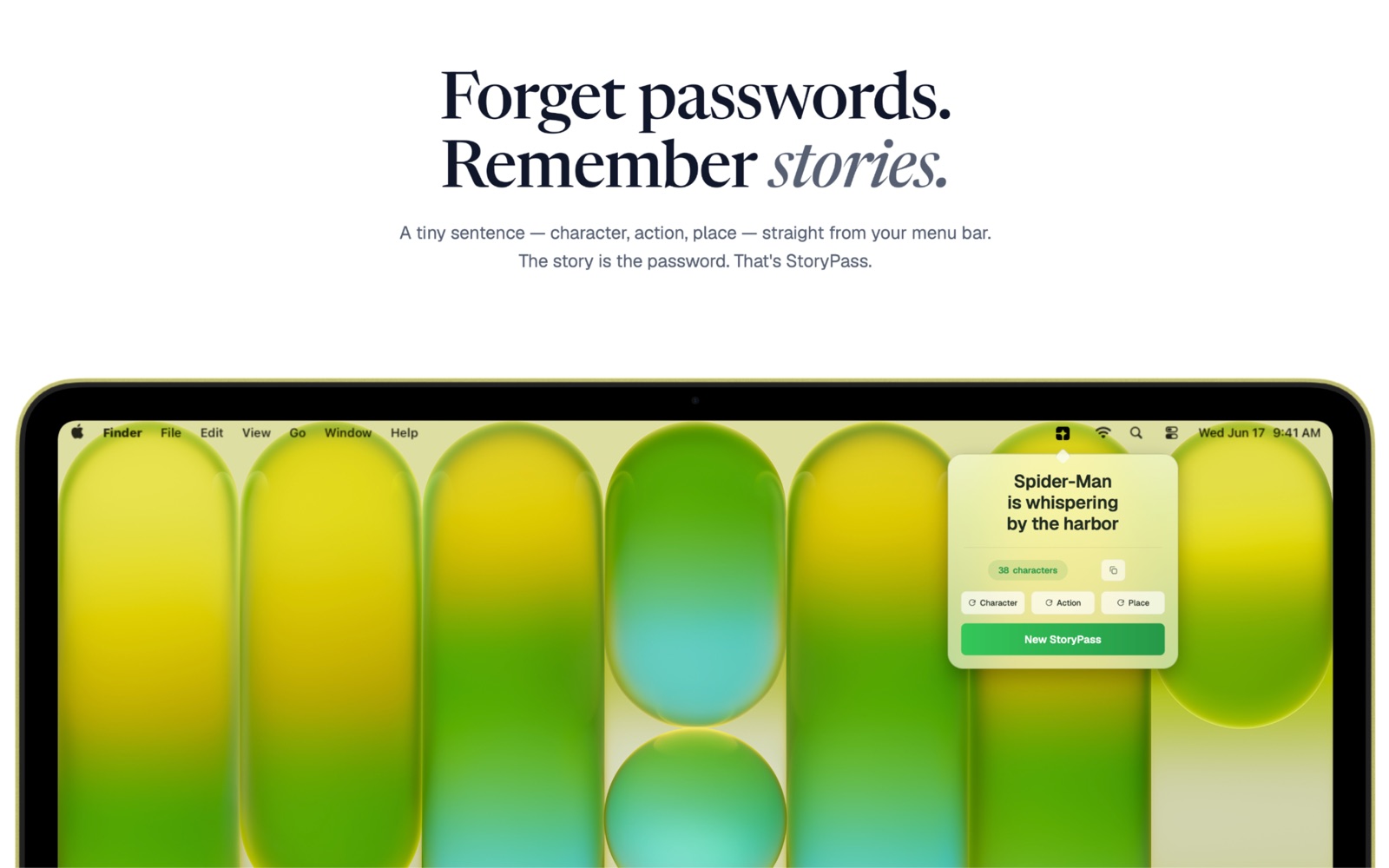
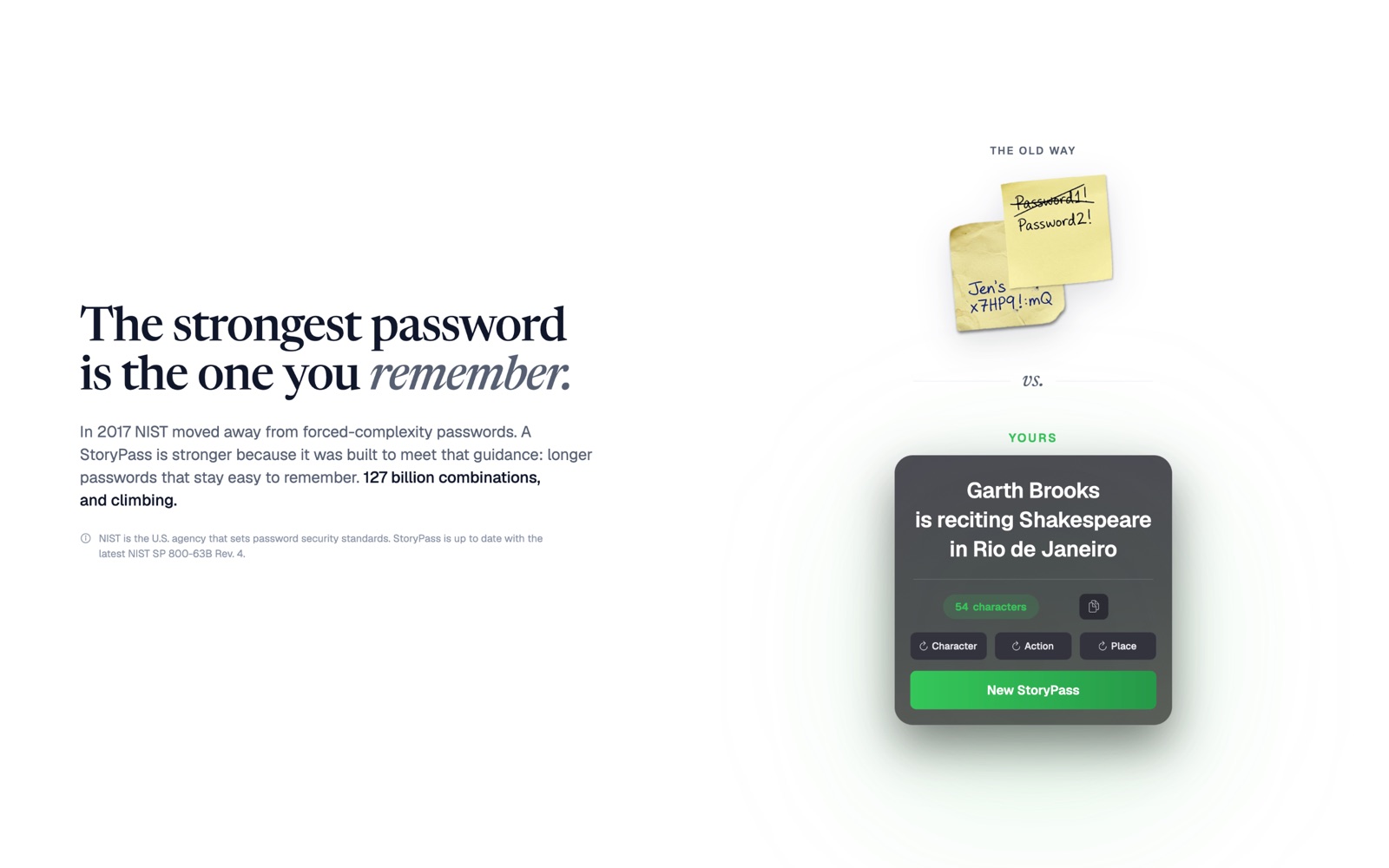
StoryPass writes you a tiny sentence — a character, an action, a place — and copies it as your password. Strong enough to meet the newest US government guidance on passwords. Memorable enough that you'll never have to reset it.

One-time purchase · no subscription · macOS 13.5 or later
The method
Three slots. One sentence.
Already in your head.
You don't memorize a string — you remember a scene. Character, action, place is the most basic narrative pattern there is, and your brain stores it the way it stores everything else worth keeping.
Mussel
Drawn from a curated cast — historic figures, fictional misfits, plain nouns. Always concrete.
is pinning the achievement ribbon
A verb caught mid-gesture. Specific enough to picture, odd enough to stick.
in North Dakota
A location, near or far. The scene closes and the sentence is complete.
Your password
Mussel is pinning the achievement ribbon in North Dakota.
Strong by the numbers
Length is the thing that actually helps.
In 2017 NIST dropped forced rotation and the UPPER/lower/123/!@# complexity theater — not because those rules were too strict, but because they backfired, pushing people toward predictable passwords and endless reuse. The current guidance in SP 800-63B (Rev. 4) is refreshingly simple: length beats complexity.
5,040 characters × 5,009 actions × 5,061 places
= 127,766,766,960 combinations
log₂(127,766,766,960) = 36.89 bits — the same number the app shows you.
Works with
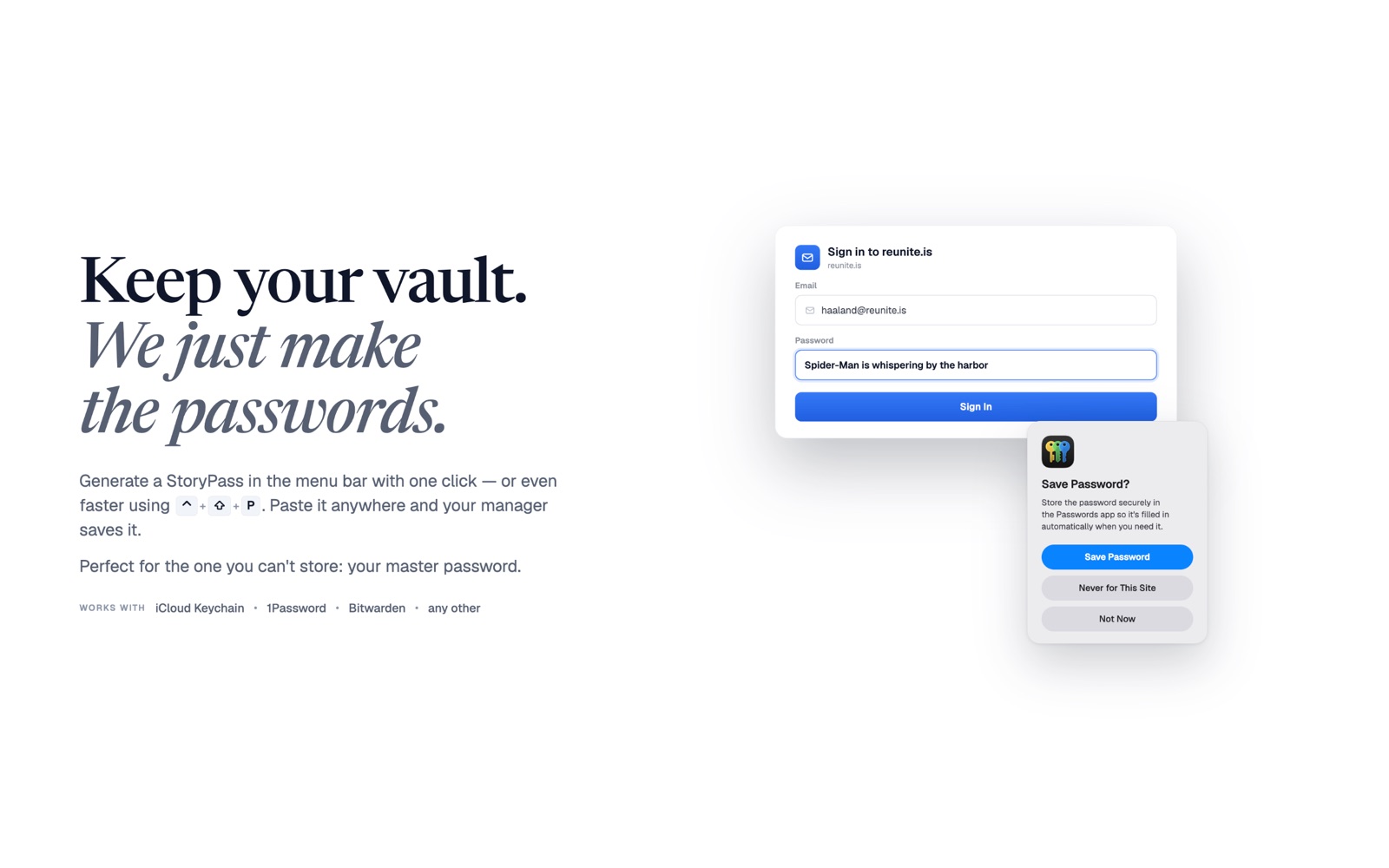
Keep your vault. We just make the passwords.
StoryPass isn't a password manager — it's the generator that feeds one. Copy a story, paste it anywhere, and store it wherever you already do.
iCloud Keychain · Bitwarden · 1Password · Dashlane · Proton Pass · LastPass — and any password manager.
The one you can't store
Your vault needs a key, too.
Your password manager protects everything — but you still have to remember the password to it. Make that one a StoryPass: a sentence you'll actually recall, strong enough to guard the rest. Same goes for your Mac login, your Wi-Fi, anything you type by hand.
Private by default
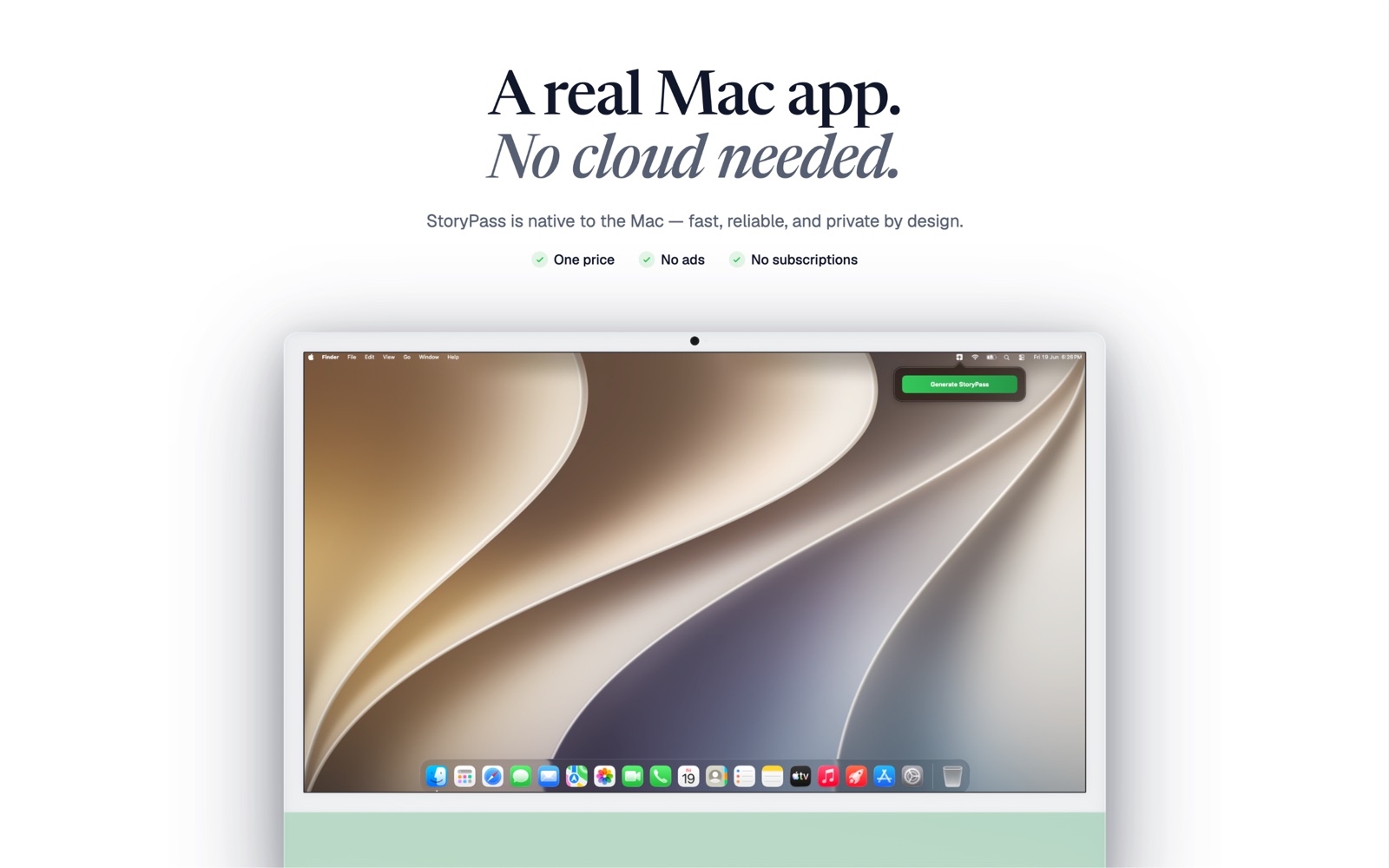
A real Mac app. No cloud needed.
StoryPass answers to macOS, not to a server. There's no account to make, nothing to sync, and nothing for us to see — because none of it leaves your Mac.
No data collected
Declared "Data Not Collected" on the App Store, because that's what it is. No analytics, no crash pings, no phoning home.
Works offline, always
The wordlist ships inside the app. StoryPass has never needed a network connection and doesn't ask for one.
Sandboxed
Reviewed and signed through the Mac App Store, running inside Apple's sandbox with the hardened runtime on.
The clipboard auto-clears
Your password is marked sensitive, so macOS clears it from the clipboard on its own — you don't have to remember to.
No account, no login
Open it and it works. There's nothing to sign up for and no password to protect your password generator.
Lives in the menu bar
No Dock icon, no window to manage. One keyboard shortcut from any app, and a fresh story appears in under a second.
Screenshots
See it before you buy it.
A note on older sites
A few legacy sites still cap password length or reject spaces. A StoryPass is a sentence, so it always contains spaces and runs long. If a site won't take it, edit the password by hand after pasting — remove the spaces, or shorten it — to fit. That's the site's limitation, not yours.
Availability
One price. No subscription, ever.
Pay once.
One-time purchase · tied to your Apple Account · macOS 13.5 or later
- Unlimited generation, forever
- Global shortcut — any app, any field
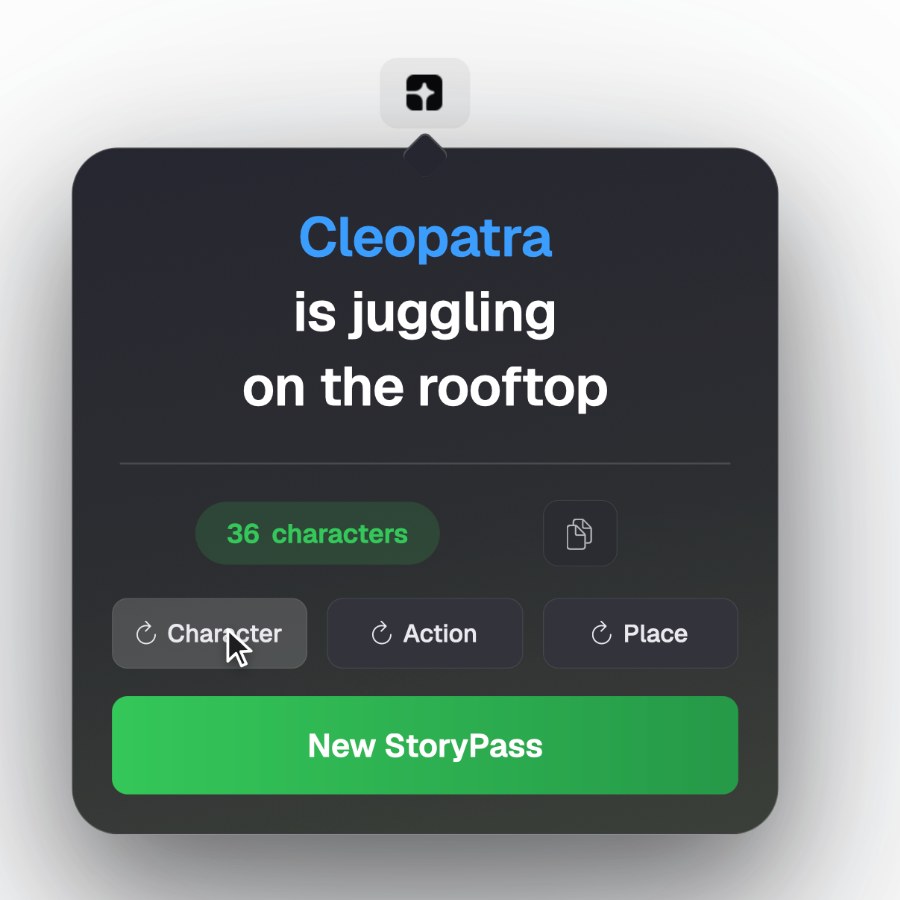
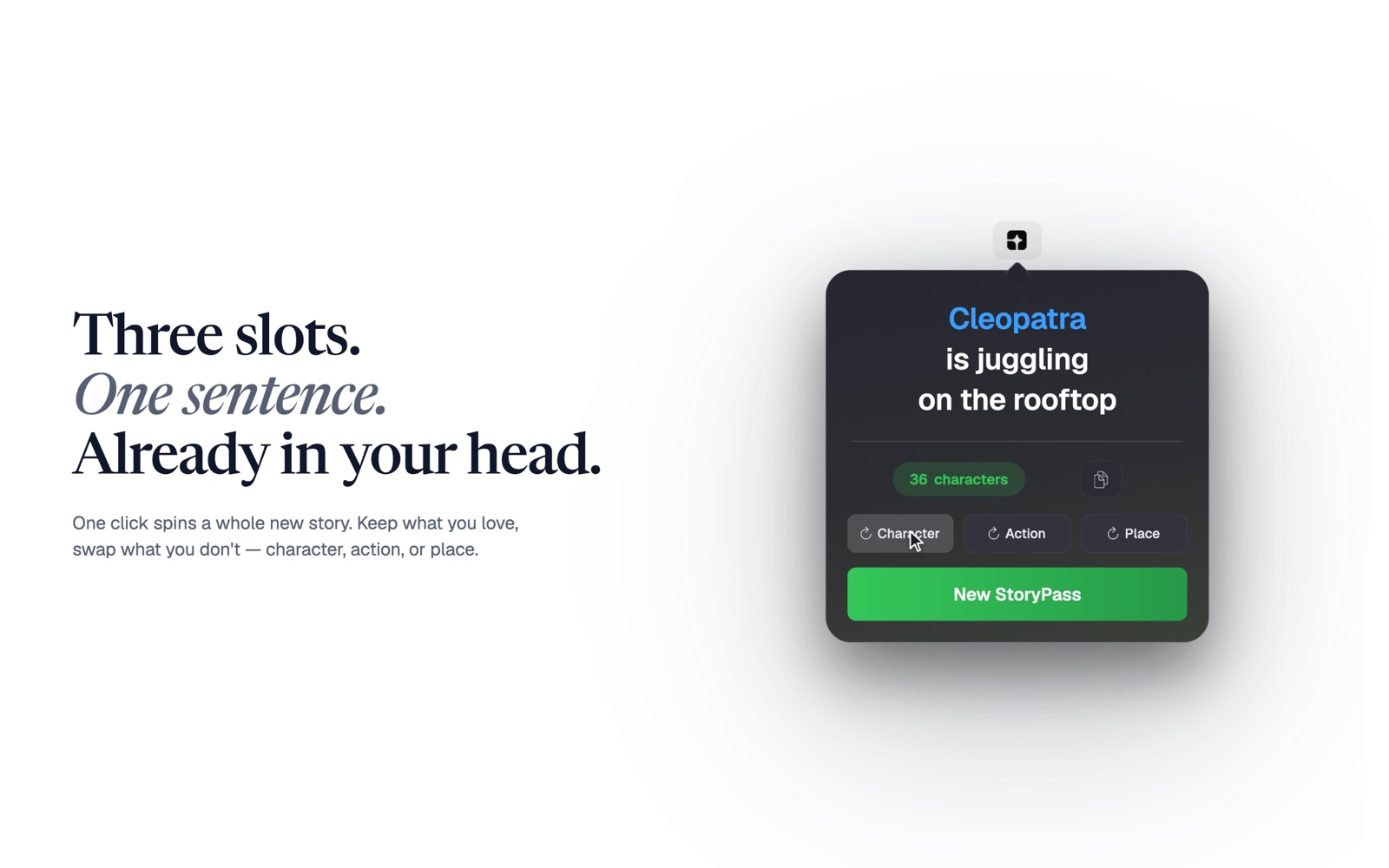
- Reroll the character, action or place on its own
- A wordlist that keeps growing
- No telemetry, by design